
A fast internet package alone does not guarantee a reliable home network. Performance actually depends just as much on how your internal data cabling infrastructure in designed. When looking into this, many homeowners struggle to understand the difference between a modem vs a router vs a switch, and which might best suit their needs.
This guide explains the practical differences between each device, how they work and where access points fit into the wider conversation. So whether you’re planning a full home networking installation or you’re just troubleshooting performance issues, understanding the fundamentals of modem vs router vs switch will help you make an informed decision.
Why structured home networking delivers better performance
Modern homes often contain dozens of connected devices. Smart TVs, laptops, mobile phones, CCTV systems, lighting control, access control and smart home automation devices all rely on stable data connections.
In many properties, particularly larger homes or multi-storey buildings, a single all-in-one router supplied by an internet provider will be unable to deliver consistent coverage or bandwidth, meaning you’ll likely be dealing with frequent drop-outs and painfully slow online connections. This is where structured data cabling and properly specified networking hardware become essential.
Understanding the role of each component will therefore ensure:
- Reliable wired and wireless performance
- Reduced latency for streaming and video calls
- Stable connectivity for smart home and security systems
- Futureproofed infrastructure that supports scalable upgrades
Modems vs Routers vs Switches
What does a modem do?
A modem is the device that connected your property to your Internet Service Provider (ISP). The name comes from modulator-demodulator, reflecting its role in converting signals between your ISP’s network and your internal network.
In practical terms, the modem:
- Receives the internet signal from fibre, cable of DSL
- Converts that signal into digital data usable within your network
- Assigns a public IP address provides by your ISP
Without a modem, these is no internet connection entering your property
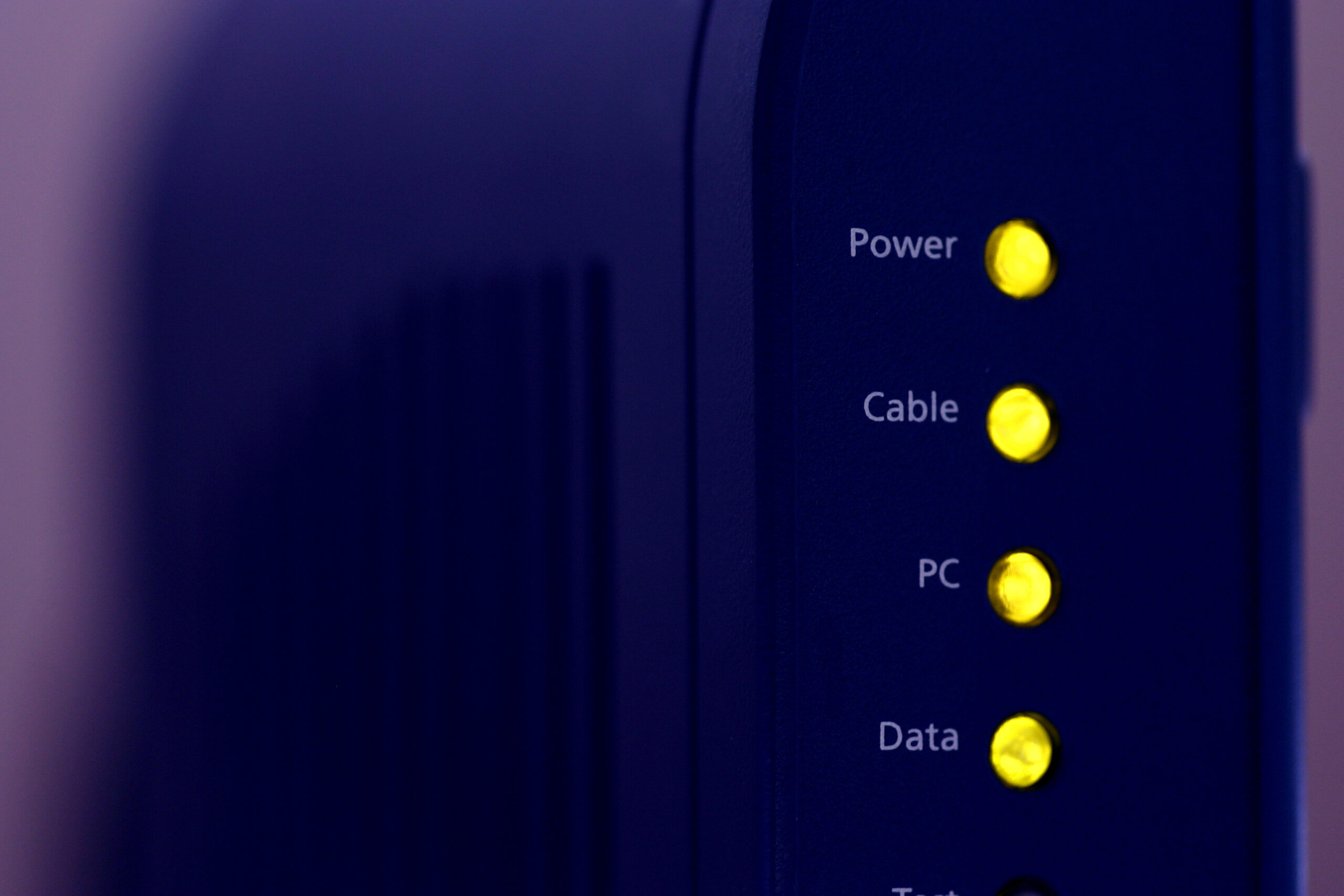
Fibre vs Cable vs DSL modems
Different broadband technologies require different types of modem:
| Connection Type | Medium | Typical Speeds | Notes |
|---|---|---|---|
| FTTP (Fibre to the Premises) | Fibre optic | 150 MB/s – 1 GB/s+ | Often uses an Optical Network Terminal instead of a traditional modem |
| Cable | Coaxial | 100 MB/s – 1 GB/s | Common in urban areas |
| DSL | Telephone line | Up to 80 MB/s | Being phased out in many regions |
A modem alone does not create a local network. It simply brings the internet to the building, converting incoming signals for usage.
What does a router do?
If the modem connects you to the outside world, the router manages traffic inside your property.
A router directs data between devices on your local network and routes outgoing traffic to the internet. It also performs Network Address Translation (NAT), allowing multiple devices to share one public IP address.
Core functions of a router include:
- Assigning private IP addresses via DHCP (Dynamic Host Configuration Protocol)
- Managing firewall rules for security
- Handling Wi-Fi connectivity (in most consumer models)
- Prioritising traffic through Quality of Service settings
In short, your router is the traffic controller of your network

Why ISP routers often fall short in larger homes
Internet providers typically supply combined modem-router units. While convenient, these devices are rarely suitable for:
- Large floor areas
- High device counts
- Advanced security segmentation
- Structured wired networks
In larger homes or properties with smart systems, a dedicated router paired with structured cabling offers far greater reliability and control.
What does a networking switch do?
A network switch expands the number of wired connections available within your network. Unlike a router, a switch does not assign IP addresses or manage internet traffic. Instead, it allows multiple wired devices to communicate efficiently within the same local network.
Switches operate at Layer 2 of the OSI model, forwarding data based on MAC addresses. This ensures traffic is directed only to the intended device rather than broadcast to all ports.

When a switch becomes necessary
A switch is essential when:
- You require multiple wired connections in a rack or cabinet
- You are installing structured data cabling throughout a property
- You need dedicated wired connections for AV systems, CCTV or access control
- You are deploying multiple wireless access points
In professionally installed networks, switches are typically housed in a central comms cabinet alongside patch panels and routers. This creates a clean, scalable infrastructure.
Modem vs Router vs Switch – Side-by-side comparison
Understanding how these devices differ is easier when viewed together.
| Device | Primary Function | Required for Internet? | Creates Local Network? | Expands Wired Ports? |
|---|---|---|---|---|
| Modem | Connects to ISP | Yes | No | No |
| Router | Manages network traffic | Yes | Yes | Limited |
| Switch | Connects multiple wired devices | No | No | Yes |
Each performs a separate role. Removing one often compromises performance or functionality.
Where does a wireless access point fit in?
The conversation around modems vs routers vs switches vs access points is becoming increasingly relevant in modern installations.
A wireless access point, often shortened to WAP, provides Wi-Fi coverage. It connects to the network via a wired cable, typically from a switch, and broadcasts a wireless signal.
Unlike consumer routers with built in Wi-Fi, dedicated access points offer the benefits:
- Stronger, more consistent coverage
- Support seamless roaming between units
- Allow centralised configuration
- Are often powered via PoE (Power over Ethernet), defined by IEEE 802.3af or 802.3ar standards
In larger homes, multiple ceiling-mounted access points connected to a central switch deliver far more reliable coverage than a single Wi-Fi router.
Access points extend wireless reach. They do not replace routers.
Conclusion
Understanding modem vs router vs switch clarifies how internet connectivity and internal networking function within a property. The modem connects you to your provider. The router manages traffic and security. The switch expands wired connectivity. Access points deliver stable Wi-Fi coverage.
If you are planning a home networking upgrade, installing structured data cabling or resolving persistent connectivity issues, our team at AAV Smart Homes & Commercial Installation can design and install a data cabling system tailored to your property’s layout and requirements. Get in touch with our team to discuss your home networking needs and ensure your infrastructure is built for both current demands and future growth.