
When a TV aerial stops working, the fault is not always with the aerial itself. It could be a loose lead behind the television, a faulty wall socket, a damaged cable outside or an amplifier that has lost power. In some cases, there may be nothing wrong with your equipment at all and the problem is being caused by transmitter work or temporary interference.
This guide explains the most common reasons a TV aerial stops working, the checks you can safely carry out yourself, some DIY fixes and when it is worth calling an aerial engineer instead.
Common TV Aerial Issues & Faults
| TV aerial problem | Likely cause | What you can do |
|---|---|---|
| One TV has no signal | Loose lead, faulty socket or damaged cable to that room | Check the aerial lead, try another TV and test a different socket |
| Every TV has stopped working | Main aerial, amplifier, power supply or transmitter fault | Check any powered equipment and look for local transmitter work |
| Picture is pixelated | Weak signal, poor-quality signal, loose connection or interference | Check cables and note whether it happens during bad weather or when appliances switch on |
| Some Freeview channels are missing | Weak reception on one frequency, tuning issue or aerial alignment | Check transmitter information before retuning |
| Signal comes and goes | Loose cable, water ingress, aerial movement or electrical interference | Look for patterns linked to wind, rain or household appliances |
| Aerial socket is not working | Loose connection, damaged cable or disconnected TV point | Test the socket with another TV or lead |
| Reception worsened after bad weather | Aerial movement, damaged mounting or water entering a cable | Arrange an inspection if the issue does not clear |
| No signal after adding another TV point | Too much signal loss through splitters or long cable runs | Have the signal tested at each socket |
| No signal but other devices work | TV set to the wrong input | Select TV, DTV or Live TV rather than HDMI |
| Booster is not helping | Faulty amplifier, too much amplification or poor incoming signal | Do not add another booster until the signal has been tested |
Simple Checks Before You Assume the Aerial Is Fault
Before looking for a fault in the aerial system, check that the TV is set to TV, DTV or Live TV, rather than an unused HDMI input.
Make sure the aerial lead is firmly connected at both ends and try another lead if one is available. It is also worth restarting the television or Freeview box and checking whether your local transmitter is undergoing maintenance.
If you use a signal amplifier, check that it is still switched on and has not been unplugged.
Once these simple checks have been ruled out, the problem is usually somewhere within the aerial, cable or signal distribution system.
6 Reasons Your TV Aerial Might Have Stopped Working
Damaged Aerial Cable
A TV signal can fail or become pixelated even when the aerial on the roof is still in good condition. In many of the aerial repairs we attend, the problem is actually with the cable carrying the signal into the property. Common issues causing this include:
- Cracked or weathered external cables
- Loose or corroded connections
- Water getting into the outside joint
- Cable damage caused during roofing or building work
Because these faults are not always visible from the ground, we test the cabling before recommending a new aerial. In many cases though, replacing the damaged section or connection is all that is needed to restore reception.
Faulty TV Aerial Socket
If just one room has lost signal while your other televisions are still working, the fault may be with the TV aerial socket rather than the main aerial.
This is often caused by a loose, damaged or old cable connection, or less frequently, a faulty splitter feeding into the room.
Testing the socket with another aerial lead or television can help narrow this down. Where the fault is isolated to one room, repairing the socket or cable is often all that is needed to restore the signal.
The Aerial Has Moved or Become Damaged
If your TV signal stopped working after strong winds or recent roofing work, the aerial itself is worth checking.
Over time, aerials can move out of alignment or become damaged, preventing them from receiving the best possible signal. Common issues include:
- Loose or corroded mounting brackets
- Bent or missing aerial elements
- Aerials twisted out of alignment
- Cracked connection boxes
- Damage caused during roof or chimney work
Based on our experience, a damaged aerial does not automatically mean it needs replacing. Many faults can be resolved by realigning the aerial or replacing damaged brackets, fixings or connections, restoring a reliable signal without installing a completely new system.
Problems With Amplifiers and Splitters
If your aerial feeds more than one television, the signal will often pass through an amplifier or splitter before reaching each TV point. When one of these develops a fault, it can affect a single room or every television in the property.
It’s also worth remembering that a signal booster is not a cure for every reception problem. If the incoming signal is weak or poor quality, adding more amplification can actually make matters worse.
That’s why we always test the signal before recommending a replacement amplifier or booster.
Weather, Interference and Transmitter Problems
Sometimes there’s nothing wrong with your aerial system at all. Reception can also be affected by temporary conditions outside your property. This can include:
- Strong winds moving the aerial out of alignment
- Heavy rain exposing damaged cables or poorly sealed connections
- Atmospheric conditions temporarily affecting Freeview reception
- Electrical interference from household equipment
- Trees, scaffolding or new buildings blocking the signal
- Planned engineering work at your local Freeview transmitter
If your TV signal suddenly disappears, it’s worth checking whether your local transmitter is undergoing maintenance before making any changes. Likewise, if the problem only started after severe weather, the aerial may simply need realigning rather than replacing.
Understanding when the fault started often provides the biggest clue as to what’s causing it and helps avoid unnecessary repairs or retuning.
Poor Signal Distribution Between Multiple TV Points
Adding extra televisions can reduce the amount of signal coming into each room, especially where the system uses basic splitters or long cable runs.
Typical signs include:
- The original TV works but a newer point does not
- Reception is weaker in one room than another
- Some channels disappear after another TV is connected
- Pixelation only affects the furthest TV point
In these cases, the aerial itself may be working normally. The distribution system may simply need reconfiguring, new cabling or a correctly specified amplifier.

Should I Retune My TV?
Retuning is often the first thing people try when they lose TV signal, but it isn’t always the right solution.
A retune simply searches for the channels your television can receive at that moment. It won’t fix a damaged aerial, faulty cable or amplifier problem.
Retuning is Usually Recommended If:
Freeview has announced a channel update
You’ve moved into a new property
A new aerial has been installed
An aerial fault has already been repaired
It’s Usually Best Not to Retune If:
Your local transmitter is undergoing engineering work
Reception has only been affected by bad weather
Every TV has suddenly lost signal
You know there’s a fault with the aerial system
If your television can’t find a usable signal during the retune, it may remove channels that were previously stored. In many cases, it’s better to identify the cause of the fault first and only retune once the signal has been restored.
Can I Fix a TV Aerial Myself?
There are a few simple checks you can safely carry out yourself, including checking the TV input, replacing the aerial lead, testing another TV socket and making sure any indoor amplifier is switched on.
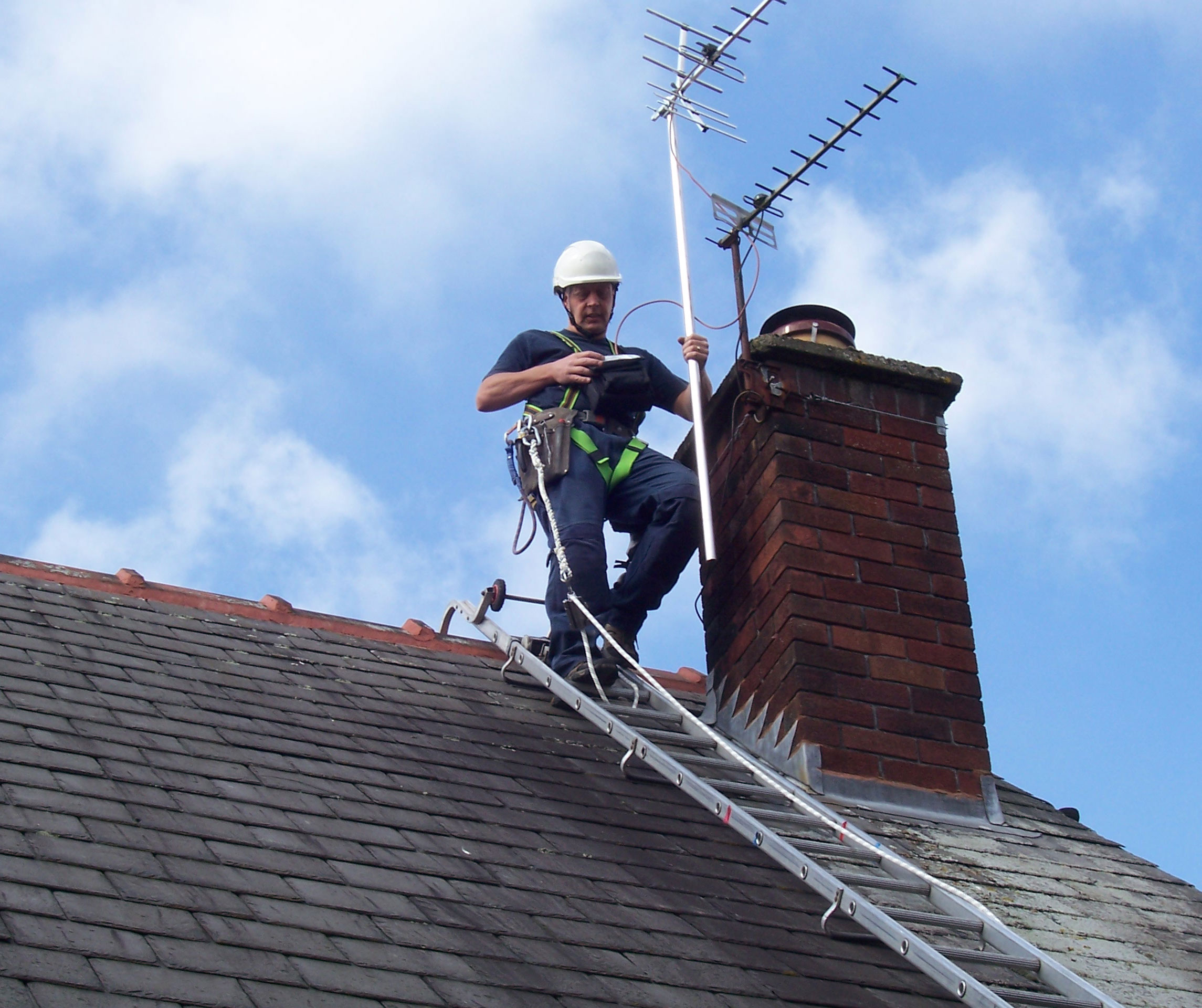
Once the fault involves the aerial itself, or any outdoor cabling or equipment mounted on the roof or chimney, it’s usually time to call an engineer.
Working at height is dangerous and aerial alignment requires specialist signal testing equipment rather than just pointing the aerial in the right direction.
During a fault-finding visit or new aerial installation, we will test:
- Signal strength and quality
- The aerial’s alignment
- Internal and external cabling
- TV aerial sockets
- Amplifiers and splitters
- Reception at each TV point
Will My Aerial Always Need Replacing?
Even with all the faults listed above, you will not always need to replace your TV aerial.
Losing your TV signal doesn’t automatically mean you need a new aerial. In reality, many faults are caused by things like damaged cables, faulty connections, failed amplifiers or aerials that have just moved out of alignment.
Based on our experience repairing aerial systems across Staffordshire and the West Midlands, it’s often possible to restore reliable reception without replacing the entire installation.
A new aerial is usually only recommended when the existing one is physically damaged, no longer suitable for local reception or has reached the point where repairing it is no longer the most cost-effective option.
Conclusion
Every AAV aerial installation and repair call-out starts with fault finding, so we can identify the cause before recommending any work.
Once we’ve found the fault, we’ll explain the repair needed and provide a clear quotation.
If your TV aerial is not working, contact AAV today to arrange a local call-out, with same-day and next-day options available.