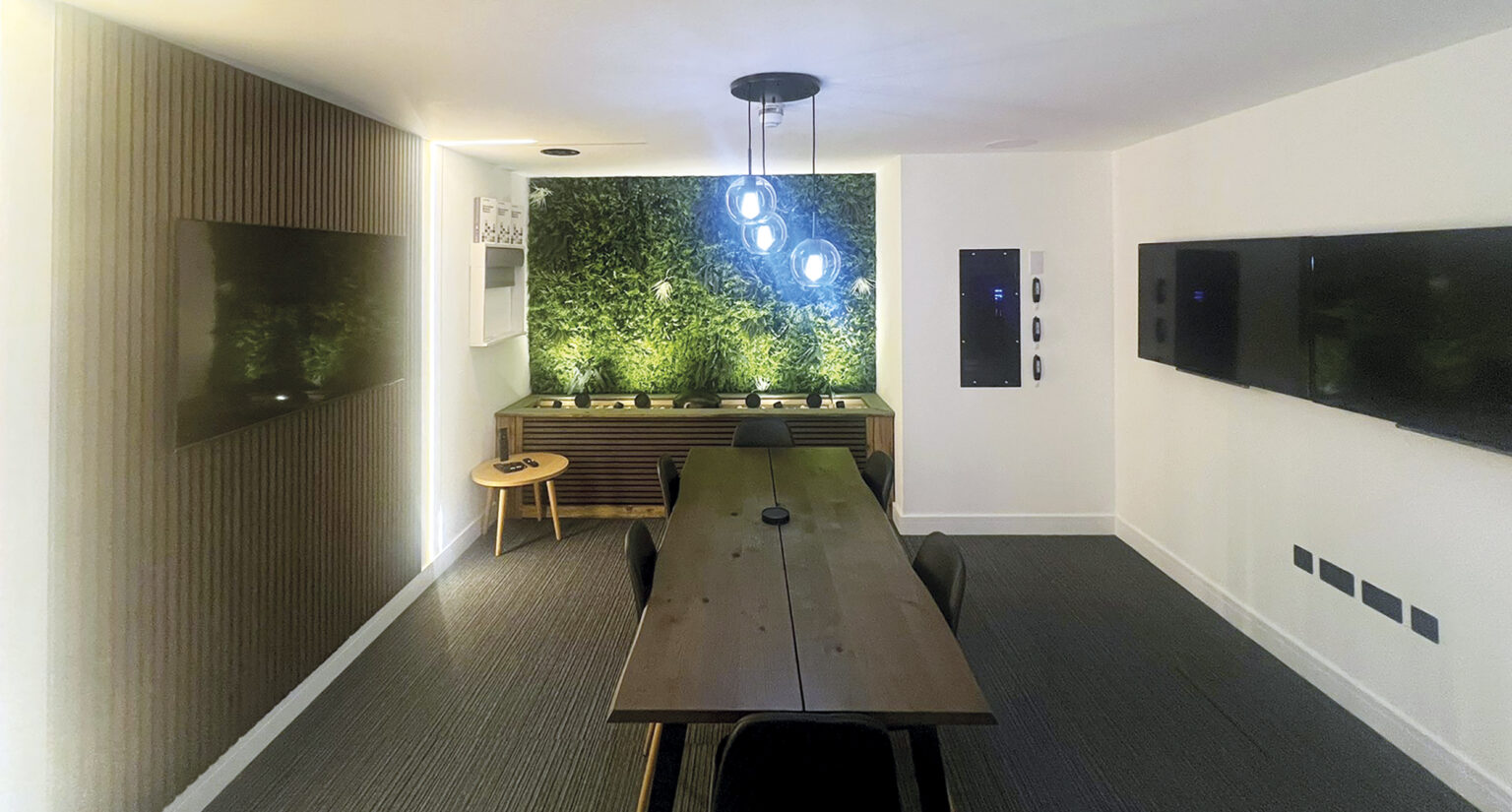
If your WiFi drops the moment you leave the room, thick walls are usually the cause. Period properties and even some modern homes with dense materials can all block wireless signals far more than people expect.
This article explains how to improve internet performance when your walls are simply too thick for reliable wireless coverage. Rather than relying on quick fixes, it focuses on solutions that work with the structure of your home, not against it.
How does WiFi travel through walls?
WiFi is a radio signal that spreads out from your router and weakens as it travels, especially when passing through solid materials or into wide open outdoors areas (read more on how to extend WiFi outside). Walls don’t just slow it down, they absorb, reflect and scatter the signal.
Dense materials like brick, stone and concrete cause the most disruption, while metal elements such as foil insulation can block it almost entirely. Frequency matters too. 2.4GHz travels further and penetrates better, but at lower speeds, while 5GHz and 6GHz offer higher performance but struggle through walls.
The result isn’t a clean drop in signal, but uneven coverage with weak spots and dead zones. That’s why improving performance usually means working around walls rather than trying to push through them.
Why do thick walls disrupt WiFi so easily?
WiFi signals weaken as they pass through solid materials, a process known as attenuation. The denser the material, the greater the signal loss. Common culprits include:
- Solid brick and stone walls
- Concrete and reinforced structures
- Foil-backed insulation and underfloor heating systems
In some cases, a single wall can reduce signal strength by 20 – 50dB, which is enough to cause dropouts or force devices onto slower frequencies like 2.4GHz. This is why homes with thick internal walls often have strong WiFi in one room and almost none in the next. The issue isn’t your broadband speed, it’s how the signal travels through the building.

How to boost WiFi through thick walls
1. Stop relying on a single router
One router rarely performs well in homes with thick walls. Even high-end home router models struggle to push a consistent signal through multiple dense barriers.
Instead of trying to force coverage from a single point, it’s more effective to distribute it across the property, to reduce the number of walls any single needs to pass through.
In practical terms, that means moving away from a ‘one router does everything’ approach and towards a more distributed network design.
2. Use wired access points to bypass the problem
The most reliable way to deal with thick walls is to avoid them altogether. Wired access points do exactly that by creating local WiFi coverage in each area, rather than trying to push signal through obstacles.
An access point connects back to your main network via Ethernet and broadcasts a fresh wireless signal nearby. Key advantages of using access points to combat your thick wall problems include:
- No signal loss through walls
- Full bandwidth available in each location
- Consistent performance across the property
This approach is particularly effective in larger homes or building with multiple solid internal walls. Each space gets its own strong connection, rather than relying on a distance signal.
3. Install structured cabling
Structured cabling is what makes wired access points possible. It involves installing Cat6 or Cat7 Ethernet cables between key areas of the home. While it requires some upfront planning, it provides stable, high-speed connections with the flexibility to add access points, smart home devices, media systems and more.
According to TIA/EIA-568 standards, Ethernet cabling can maintain performance over distances up to 100metres without degradation. In homes where walls consistently block wireless signals, structured cabling shifts the network from ‘best effort’ to something far more predictable and robust.
4. Use a mesh WiFi system
Mesh WiFi systems can improve coverage in homes with thick walls, but they aren’t as perfect a fix as structured cabling or access point installation.
They work by placing multiple nodes around the home, each extending coverage. However, it those nodes rely on wireless backhaul (communication between nodes), thick walls can still reduce performance.
To get the best result:
- Place nodes within reasonable range of each other
- Avoid positioning them behind multiple solid walls
- Consider systems that support wired backhaul, where nodes are connected via Ethernet
Mesh can be a good middle ground, especially in homes where data cabling isn’t practical everywhere. Just keep expectations realistic if walls are particularly dense.
5. Use Powerline adapters as a secondary option
Powerline adapters use your home’s electrical wiring to transmit data between rooms. While not as consistent as Ethernet, they can be useful where running cables isn’t feasible.
They work by plugging one adapter near your router and another in the target room, then connecting devices or access points from there. Performance will then depend on factors like the quality/layout of your electrical wiring, distance between adaptors, interference from other electric devices and more.
In ideal conditions, they can provide a noticeable improvement. In less favourable setups, speeds may vary. They’re best seen as a practical workaround rather than a primary solution.
6. Upgrade to WiFi 6 or WiFi 6E equipment
Modern WiFi standards bring improvements in efficiency and device handling, which can help in challenging environments. WiFi 6 (802.11ax) introduces features such as:
- Better performance with multiple devices
- Improved signal efficiency
- Reduced latency
However, it’s worth being clear: newer standards don’t eliminate the impact of thick walls. They improve how your network performs within those constraints, rather than removing them entirely.
Upgrading equipment makes the most sense when combined with better network design, rather than as a standalone fix.
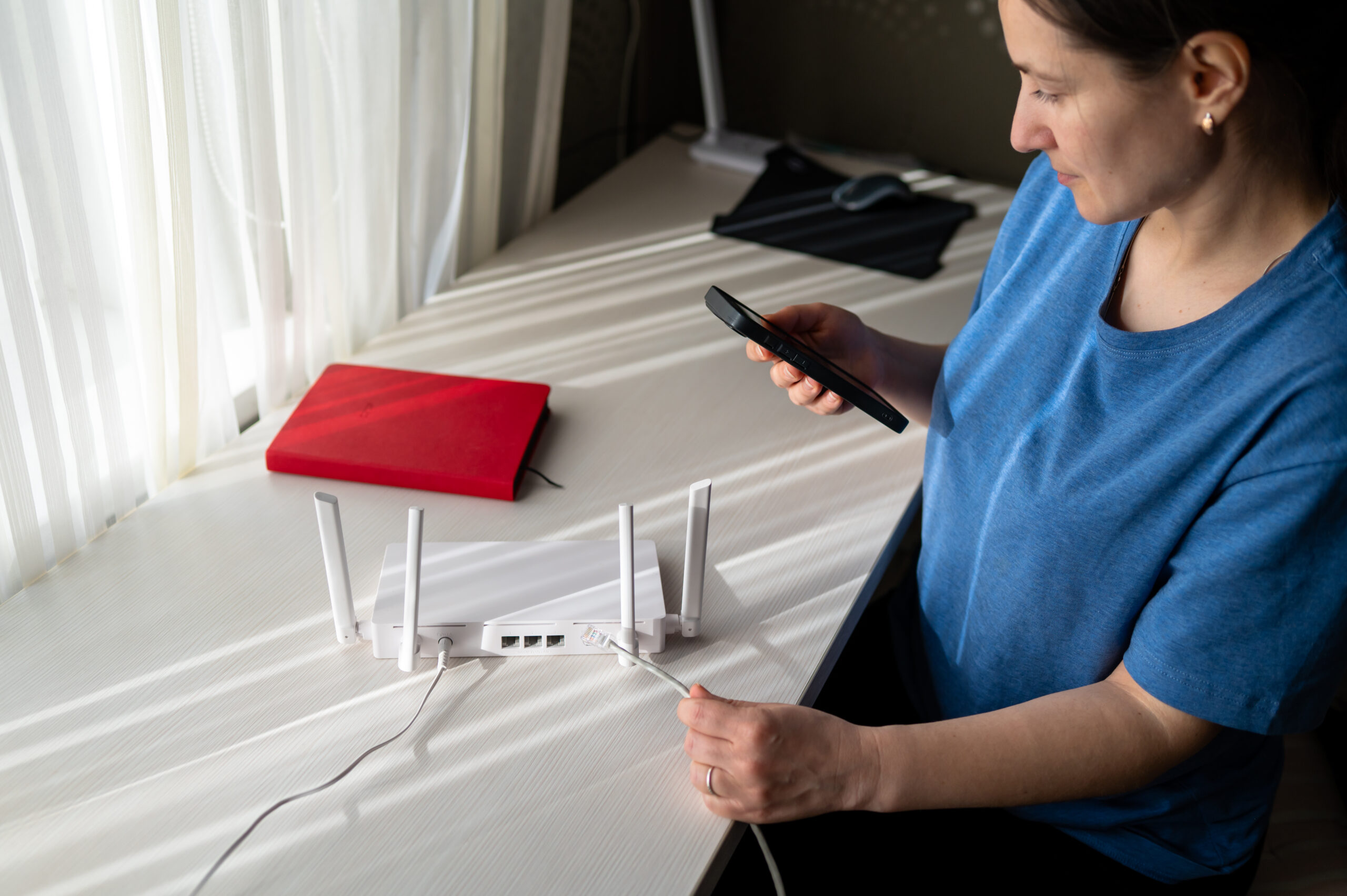
Choosing the right approach for thick-walled homes
Different solutions suit different properties, but thick-walled homes generally benefit from approaches that reduce reliance on wireless transmission through obstacles.
| Solution | Effectiveness in Thick-Walled Homes |
|---|---|
| Single router | Low |
| Mesh (wireless) | Moderate |
| Mesh (wired) | High |
| Powerline adapters | Moderate |
| Wired access points | Very High |
| Structured cabling | Very High |
In most cases, the most reliable setups combine structured cabling with multiple access points, creating strong, localised coverage throughout the home.
Conclusion
When walls are the problem, trying to push more WiFi through them rarely works. A more effective approach is to rethink how your network is distributed, placing connectivity where it’s actually needed. This often means introducing wired elements, even if only in key areas, and building outward from there. The result is a network that feels consistent from room to room, rather than unpredictable.
If thick walls are causing you connectivity problems in your home, get in touch with our team at AAV Smart Homes. We can offer advice on which approach is best and even carry out a free site survey to assess your home and begin planning for future installs.