Gigabit networking was once considered excessive for residential properties. Today, it is considered the standard. As broadband speeds rise and local data demands grow, more homeowners are asking what it takes to move beyond 1GB/s and run 2.5G or 5G networking at home.
This guide explains what multi-gig networking actually involves, which components need upgrading, how cabling standards affect performance and where it makes practical sense in homes. If you are planning a network refresh or a completely new home networking infrastructure, understanding the requirements for 2.5GB and 5GB networking will help you make an informed decision.
Do you need 2.5GB or 5GB at home?
The main driver behind multi-gig networking is not internet speed alone. In many cases, the bottleneck exists inside the home.
High-bandwidth activities now include:
- 4K and 6K video streaming
- Large file transfers between local devices
- Network Attached Storage (NAS) backups
- Multi-room AV distribution
- CCTV systems recording at high resolution
- Cloud backups running in the background
When several of these operate simultaneously, a 1GB/s backbone can become restrictive.
Upgrading to 2.5 Gigabit Ethernet or 5 Gigabit Ethernet increases internal bandwidth without jumping immediately to 10GB infrastructure, which can be more costly and power-intensive.
2.5GB and 5GB Ethernet standards explained
2.5GB and 5GB fall under the IEEE 802.3bz standard, sometimes referred to as NBASE-T. This standard was developed to deliver faster speeds over existing copper cabling.
The key advantage is compatibility. Unlike 10GB, which often requires Cat6a for full performance over 100 metres, 2.5GB and 5GB can run on many existing Cat5e and Cat6 installations, depending on cable quality and length. Typical capabilities include:
| Standard | Maximum Speed | Typical Cable | Maximum Distance |
|---|---|---|---|
| 1GbE | 1 GB/s | Cat5e | 100m |
| 2.5GbE | 2.5 GB/s | Cat5e or Cat6 | 100m |
| 5GbE | 5 GB/s | Cat6 recommended | 100m |
| 10GbE | 10 GB/s | Cat6a preferred | 100m |
Cable quality and termination standards remain critical. Performance claims assume properly installed, standards-compliant structured cabling.
Reviewing your broadband connection
Before upgrading internal hardware, it is worth assessing your external broadband connection.
If your broadband package delivers over 900MB/s (high-figure ultrafast/full fibre speeds in UK), upgrading the entire internal networking to 5GB will not increase internet speeds beyond that limit. However, it may still improve local transfer and reduce congestion.
Multi-gig networking is particularly relevant when:
- You have full fibre broadband exceeding 1GB/s
- You regularly transfer large files between local devices
- You use Network Attached Storage extensively
- You operate high-bitrate media servers
The internet connection sets one boundary, but internal traffic often justifies the upgrade independently.
Cabling requirements for 2.5GB and 5GB networking
Cabling is the foundation of an high-performance network.
Can Cat5e support 2.5GB and 5GB?
In many cases, yes. Cat5e when properly installed and tested to TIA/EIA standards, can support:
- 2.5GB up to 100 metres
- 5GB in shorter runs with favourable conditions
However, older installations may suffer from poor termination, tight bends or interference. Testing is there essential before assuming compatibility. For more information of why your ethernet is slower than expected, have a read our recent article.
Is Cat6 a safer choice?
Cat6 provides greater headroom and is generally recommended for 5GB deployments across standard residential distances. It reduces crosstalk and provides improved signal integrity.
For new installations, Cat6a remains the most futureproof option (especially compared to Cat7 in homes), particularly if 10GB may be considered later.
Upgrading active equipment without verifying cabling integrity often leads to inconsistent results.
Ensuring end-to-end multi-gig compatibility
Upgrading to 2.5G or 5G networking is not about replacing a single device. Performance depends on the entire data path – from the internet connection through the router and switch, to the final device or wireless access point. If any link in that chain operates at 1GB/s, the connection will negotiate down accordingly.
Core switching infrastructure
In most residential installations, the switch forms the backbone of the internal network. It must support multi-gig speeds across the ports that serve high-demand devices.
A suitable multi-gig switch should provide:
- Ports capable of auto-negotiating 1GB/s, 2.5GB/s and 5GB/s
- Sufficient multi-gig ports for NAS units, workstations or access points
- Adequate switching fabric capacity to prevent internal bottlenecks
- Power over Ethernet where access points or IP devices require it
Switching capacity is critical. An eight-port 2.5GbE switch requires a 40GB/s switching fabric to allow full duplex operation across all ports simultaneously. Without this internal bandwidth, peak performance cannot be sustained.
In AV-integrated homes and smart home environments where multiple streams operate at once, the switch effectively becomes the network’s central data highway.
Router throughput and WAN considerations
The router must also support the intended speeds. If broadband exceeds 1Gbps, the router requires:
- A multi-gig WAN port
- A multi-gig LAN port or high-speed uplink to the switch
Otherwise, internet traffic will be capped before it reaches the internal network.
In structured installations, the router typically connects to the core switch via a 2.5GbE or 10GbE uplink. This prevents the routing layer from becoming a choke point, particularly where VLAN segmentation or firewall inspection is in place.
Wireless access points and uplink constraints
Wireless infrastructure must also align with the wired backbone.
Wi-Fi 6 and Wi-Fi 6E access points can exceed 1GB/s aggregate throughput across multiple clients. If the access point connects to the switch via a 1GbE uplink, total wireless capacity is constrained at that level.
Many enterprise-grade access points now include 2.5GbE uplink ports specifically to prevent this bottleneck. In properties deploying multiple ceiling-mounted access points, multi-gig switching ensures that wireless performance reflects the capability of the radio hardware rather than the limitation of the wired connection.
This is where the broader discussion around modem vs router vs switch vs access point becomes practical. Each component performs a distinct function, and each must support the desired throughput if higher speeds are to be realised in real-world use.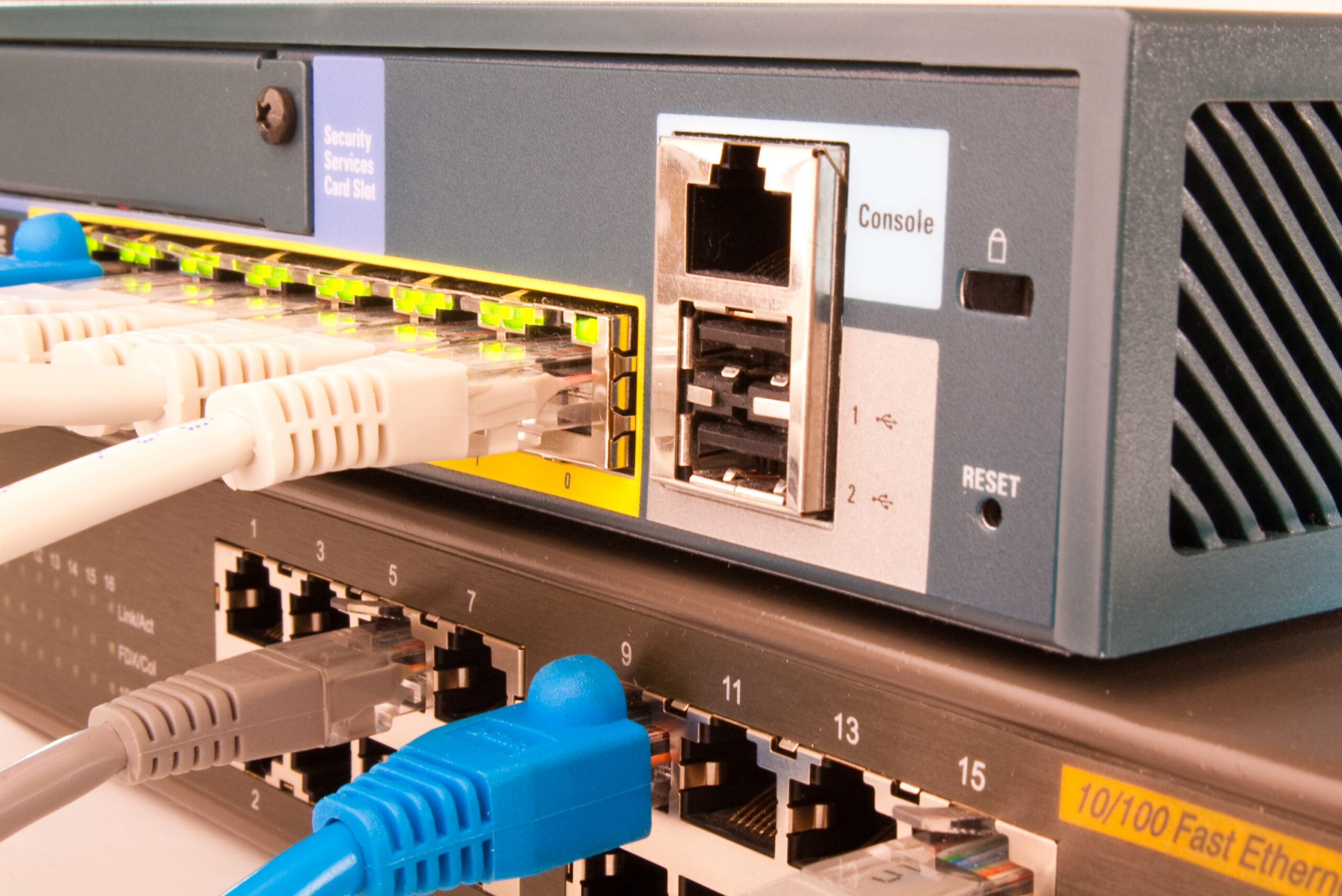
Choosing between 2.5G, 5G and 10G in residential networks
For most residential environments, 2.5GbE provides the most balanced upgrade path. It offers:
- Meaningful performance gains over 1GbE
- Compatibility with many existing Cat5e installations
- Lower equipment cost than 10GbE
- Reduced power draw and quieter operation
5GbE is less commonly deployed but may be appropriate where Cat6 cabling is already installed and higher sustained throughput is required.
10GbE remains relevant for specialist applications such as media production or large-scale NAS deployments, but it often necessitates Cat6a cabling for full 100 metre compliance.
The appropriate standard depends on usage patterns rather than headline speeds.
Conclusion
Running 2.5G or 5G networking at home requires more than a single upgraded device. Cabling must support higher throughput. Switches and routers must negotiate multi-gig speeds. End devices need compatible network interfaces. Wireless infrastructure must align with wired capacity.
When designed correctly, multi-gig networking eliminates internal bottlenecks, improves large file transfers and supports demanding AV and smart home systems without congestion.
If you are planning a network upgrade or designing a new structured cabling system, our team at AAV can assess your existing infrastructure and specify equipment that delivers measurable performance improvements. Speak to our team to ensure your home network is built not just for today’s bandwidth, but for what comes next.