
While indoor WiFi tends to be reliable and plentiful, outdoor WiFi is much more unpredictable and a struggle to use consistently. Most home networks are set up to serve internal spaces, where walls help contain signal and distances are predictable. Step into the garden, and that controlled environment disappears pretty quickly.
This article looks at six effective ways to extend your WiFi range outside your house. Each method tackles a different limitation, from signal loss through walls to coverage gaps across larger gardens and outdoor areas. The goal isn’t just to ‘get a signal’ but to have something stable enough for outdoor streaming, gaming, smart device connectivity and more.
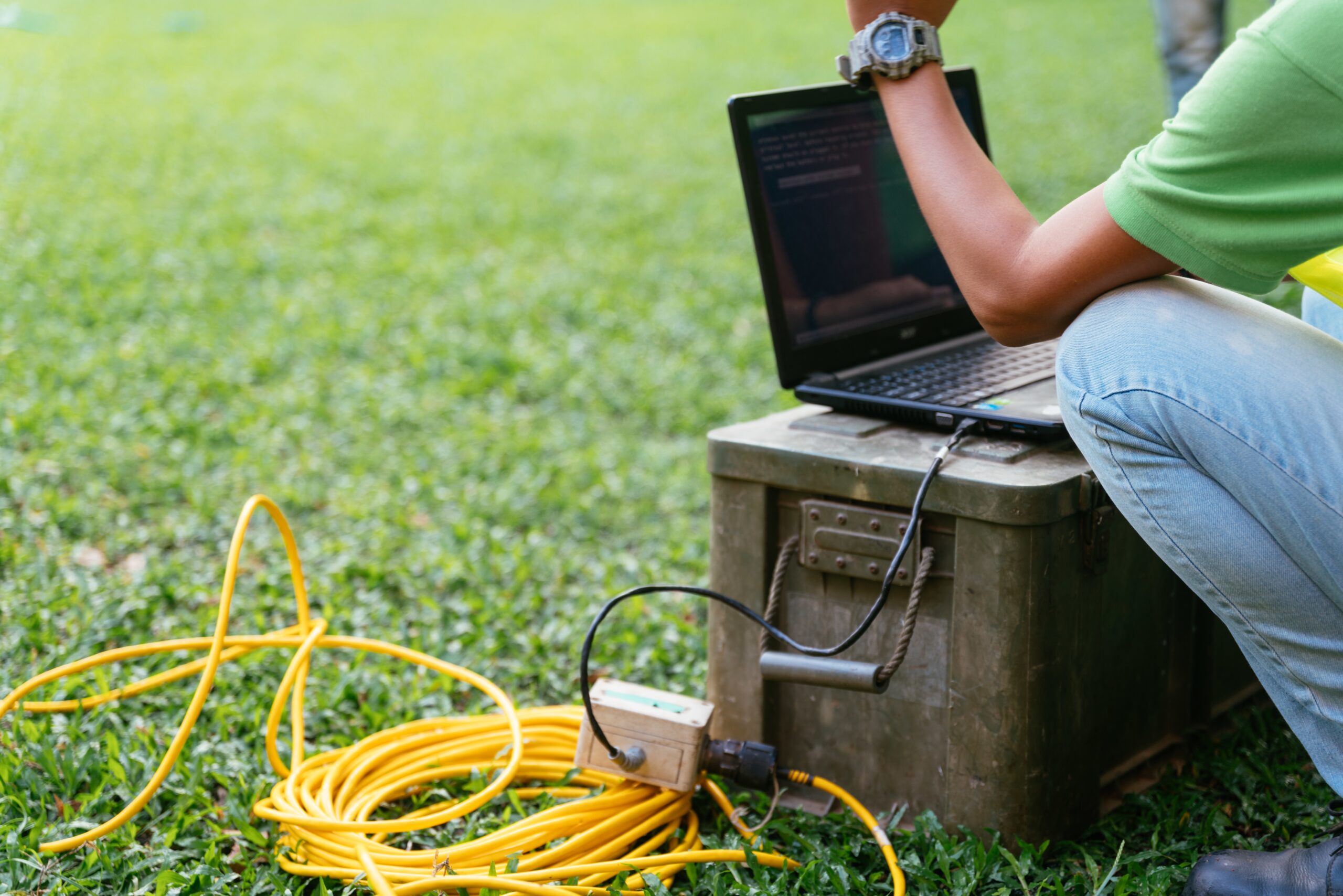
Why is outdoor WiFi coverage unreliable?
Outdoor WiFi issues usually come down to how wireless signals behave once they leave the house. Most routers operate on 2.4GHz and 5GHz frequencies and both react differently in open space (for more information on choosing a home router, click here).
- 2.4GHz travels further but offers lower speeds and more interference
- 5GHz is faster but drops off quickly when passing through solid materials
External walls can reduce signal strength by 10 – 30dB, especially if they include insulation or dense materials. That’s often enough to turn a usable connection into something patchy or unreliable.
Add distance and general interference, and it becomes clear why outdoor WiFi tends to stop working as reliably. Extending coverage outdoors therefore isn’t about boosting power alone, it’s about placing the right equipment in the right place.
How do outdoor WiFi extenders work?
Outdoor WiFi extenders work by receiving your existing wireless signal and rebroadcasting it to cover a wider area. In simple terms, they act as a relay between your router and the space where coverage is weak.
They need to be placed carefully. Too close to the router, and they add little benefit. Too far away, and they simply repeat a weak signal. The ideal position is somewhere in between, where the connection is still strong but close enough to the outdoor area to extend it effectively.
It’s also worth noting that most extenders use the same wireless channel to send and receive data, which can reduce overall throughput. That’s why they’re best suited to lighter use rather than high-demand applications.
How far can WiFi reach outdoors?
WiFi range outdoors varies more than most people expect. In open conditions, a standard router might reach:
- Up to 45 – 90metres on 2.4GHz
- Around 15 – 45metres on 5GHz
However, these figures assume a clear line of sight with minimal interference, which isn’t always possible due to obstacles like walls, trees, fencing, buildings, furniture etc.
So actual connectivity tends to drop off well before the outlined maximum range. That’s why outdoor coverage is usually designed around usable signal strength , not just distance. A connection that technically reaches the end of the garden isn’t much use if it struggles to load a webpage.
Understanding these limits helps set realistic expectations and highlights why more structured solutions, like access points or data cabling, are often needed for consistent results.
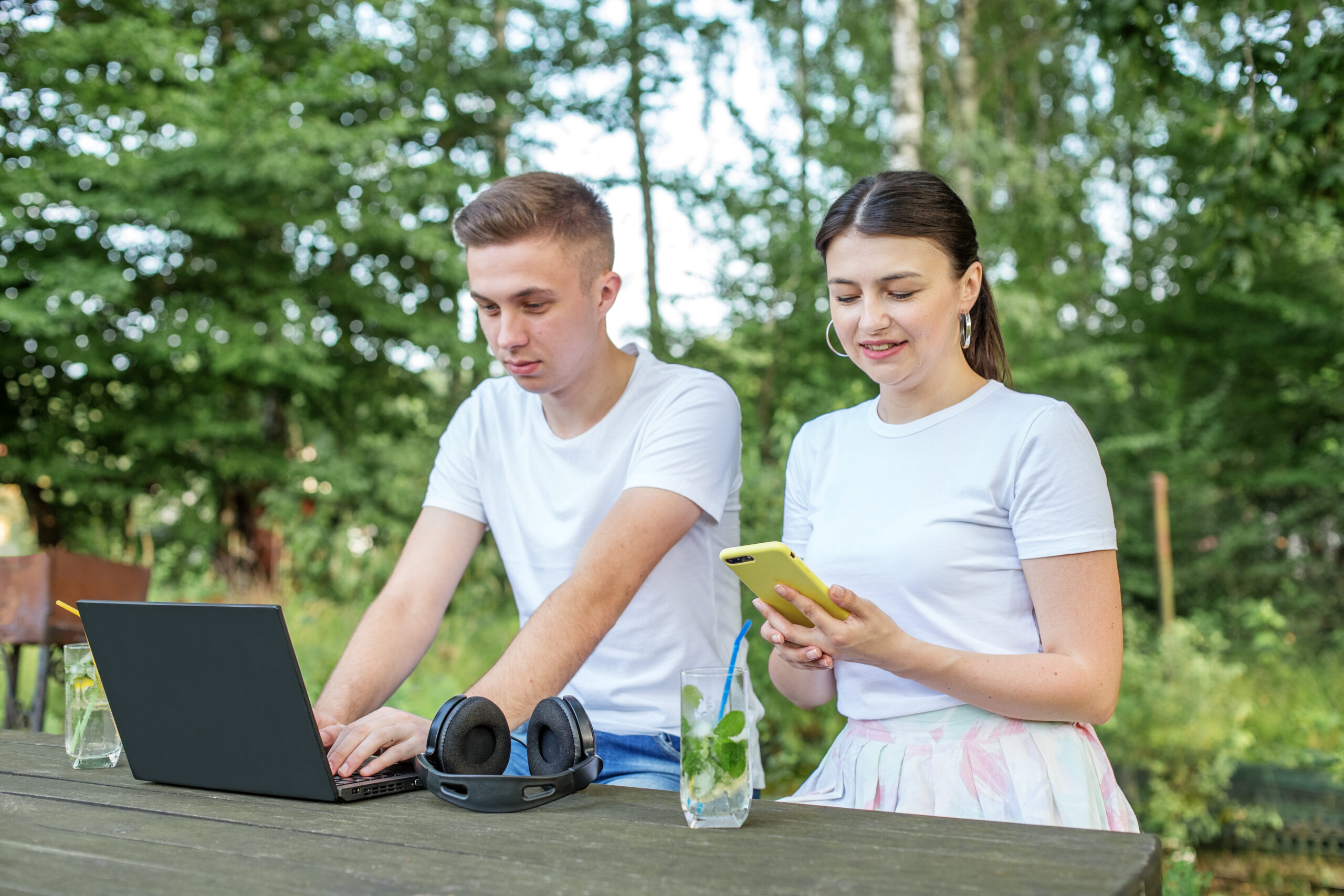
How to boost WiFi signal outdoors
1. Reposition your router for better signal leakage
Sometimes the easiest fix is simply moving your router. It won’t solve everything, but it can make a noticeable difference, especially for small gardens. Try placing the router:
- Closer to the garden-facing side of the house
- Higher up, like on a shelf rather than the floor
- Away from dense obstructions such as fireplaces or utility cupboards
WiFi signals spread outward in all directions, so even a small shift in position can change where the signal reaches. A centrally placed router might be great for indoors, but not ideal if you want coverage outside.
This works best when you only need a bit of extra reach rather than full outdoor coverage.
2. Use a WiFi range extender for light outdoor coverage
A WiFi range extender picks up your existing signal and rebroadcasts it further. It’s one of the quickest and most affordable ways to improve coverage. Placement is key, so be sure to keep it within strong range of your man router while still being as close as possible to the outdoor area.
That said, extenders have their limits. Because they reuse the same wireless connection, they often reduce overall speed, especially when multiple devices are connected.
They’re fine for light use like browsing or controlling smart lighting, but they can struggle with streaming or anything more demanding.
3. Install a mesh WiFi system for seamless coverage
Mesh systems are designed to smooth out coverage across your home by using multiple nodes that work together as one network. Unlike extenders, they don’t create separate networks or noticeable drop-offs. Many modern systems support WiFi 6 (802.11ax) which handles multiple devices more efficiently and improves overall performance.
To reach the garden, you can place a node near the boundary or in a room facing outside. Some systems also offer outdoor-compatible units.
Mesh strikes a nice balance. It’s more capable than basic extenders, but still relatively straightforward to manage.
4. Deploy outdoor WiFi access points for reliable performance
If you want consistent, high-quality outdoor WiFi, access points (APs) are a safe bet. These are wired devices that create a wireless signal in a specific area, rather than relying on a repeated signal.
Outdoor access points are built to handle the elements and are usually mounted on an external wall or garden structure. Because they are wired, access points don’t suffer from the same drop in performance as extenders. They’re ideal for spaces where you need reliable connectivity, like garden offices or outdoor entertaining areas.
When planned properly, they provide strong and consistent coverage exactly where it’s needed.
5. Upgrade your router to a higher-performance model
If your router is a few years old, it may simply be struggling to keep up. Newer models can improve both range and overall performance. If you are considering a router upgrade, keep an eye out for:
- WiFi 6 or WiFi 6e support
- Beamforming (which directs signal towards devices)
- Improved antenna design and processing power
While a new router won’t magically solve structural limitations, it can extend usable coverage and improve stability, especially at the edges of your network. This tends to work best when your current setup feels underpowered rather than poorly designed.
6. Use structured cabling to extend your network properly
For a more permanent and reliable solution, structured cabling is hard to beat. This involved running structured Ethernet cables (usually Cat6 or Cat6a) from your main network to an outdoor location (read more on what is structured cabling here). From there, you can connect an access point or other network devices.
According to TIA/EIA-568 standards, properly installed Ethernet can deliver Gigabit speeds over distances up to 100metres, which covers most residential setups comfortably.
In larger homes or more complex layouts, this approach often forms the backbone of a well-performing network, especially when outdoor spaces are used regularly.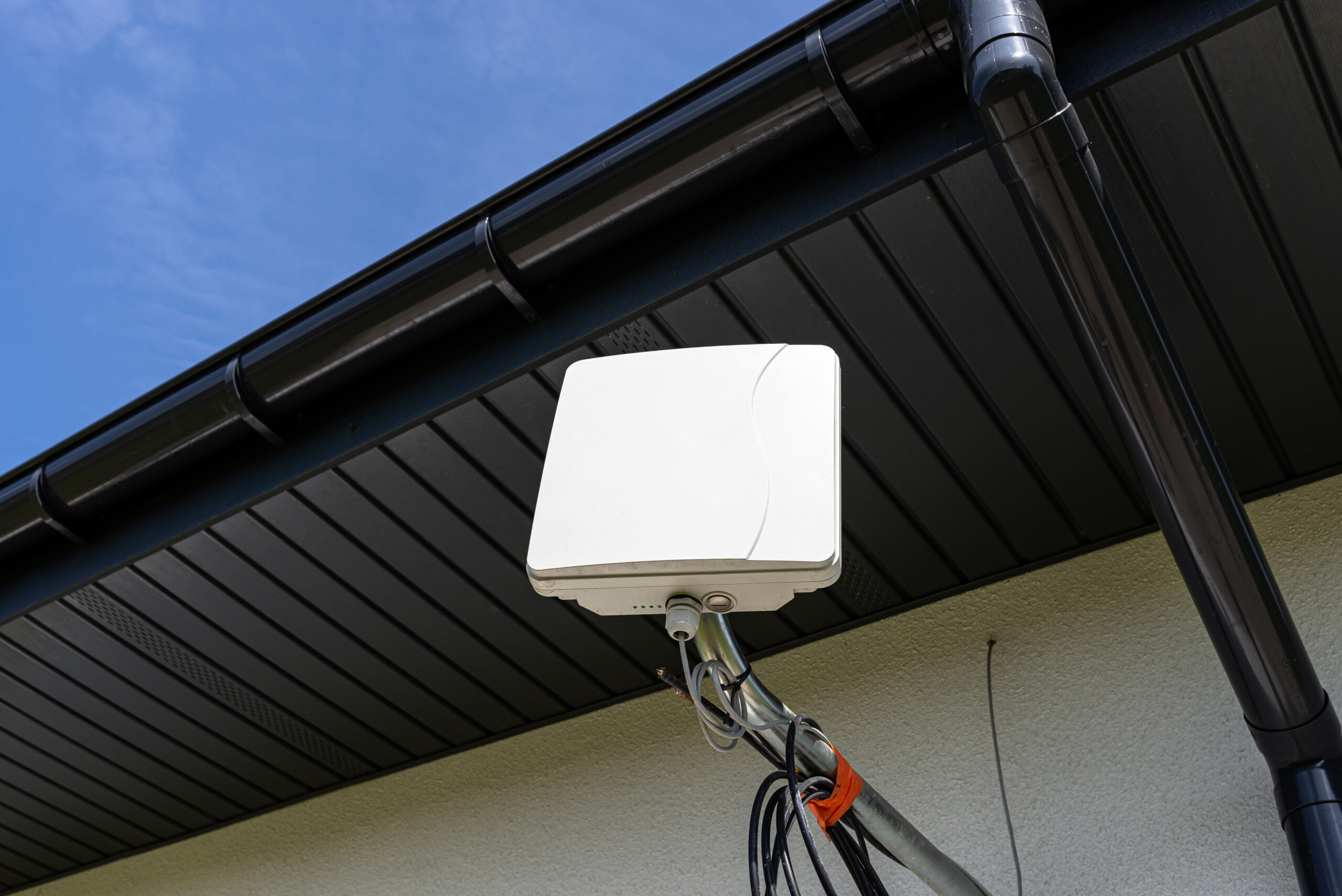
Choosing the right approach for your property
The best solution depends on your space and how you use it. A small patio has very different requirements compared to a large garden with multiple zones.
| Solution | Best For | Performance Level |
|---|---|---|
| Router repositioning | Small gardens | Low–Moderate |
| WiFi extender | Light, occasional use | Moderate |
| Mesh system | Medium homes, consistent coverage | Moderate–High |
| Outdoor access point | Dedicated outdoor areas | High |
| Router upgrade | Improving existing setup | Moderate–High |
| Structured cabling | Long-term, high-performance use | Very High |
In many cases, combining approaches works best. For example, a mesh system indoors paired with a wired outdoor access point can deliver both flexibility and strong performance.
Conclusion
Extending WiFi outdoors isn’t about pushing signal further and hoping for the best. It’s about putting connectivity exactly where you need it, in a way that’s stable and consistent.
As you look to spend more time in your garden or outdoor area, expectations around connectivity naturally follow. Getting it right means fewer frustrations, better performance and a setup that actually supports how the space is used day to day. A well-planned network doesn’t just reach further. It works reliably, adapts as needed and feels effortless to use.